Power supplies on the workbench

I’ve got a number of power supplies that I can use to supply power to the various projects that I’ve got on the workbench.

There’s the obvious wall power and a variety of wall warts of different voltages and current ratings. I’ve got wall warts and power supplies ranging from 5V all the way up to big chunky 28V power supplies.

A power strip mounted to the side of a bookshelf with a 5V wall wart power supply and flashlight plugged in

For projects that require a beefier power supply I’ve got an unregulated power supply that gives me up to 30VDC or 25VAC. It doesn’t get used too often, but comes in handy when it’s needed. There are also a few 13.8V power supplies that I can steal from the radios in a pinch.

Power supply offering unregulated 0-30V DC and 0-25V AC

Most of my projects don’t have big current draws though, so more often than not, I’m just using batteries to power my projects. One that I use most often is a 12V battery pack made by wiring 2 quad C-cell battery holders together and putting a standard 3.5mm DC barrel connector on it.

A battery pack of 8 C-cells connected to a Sparkfun RedBoard

DC barrel connectors can be easily attached to those snap connectors used for 9V batteries providing another power source (here’s one from Sparkfun if you don’t want to make one).

A 9V battery connected to a Sparkfun RedBoard

Some battery holders I have also use those snap connectors, so I can have battery power sources ranging from 3V to practically as high as I need.

Batteries in a variety of battery holders

I’m often using mostly used batteries pulled out of other things like TV remotes, smoke detectors, etc. Usually they still have plenty of juice left to power my smaller projects.

While charging up some old sealed lead acid (SLA) batteries pulled from my battery backup UPSs, I got to thinking about how I could put them to use as an additional power source. I’ve got plenty of three terminal voltage regulators that would provide the voltages that I’d need.

I sketched out block diagrams for a couple of possible concepts. One would switch between several different voltages but provide just a single output, while the second would provide multiple outputs and have toggle switches turn to each one on or off.

Block diagram for a potential battery powered power supply with a variety of switched voltages
Block diagram for a potential battery powered power supply providing multiple voltages

Probably wouldn’t do 3.3V, but the others would definitely be feasible. 12V would probably be just a direct connection to the battery rather than going through a voltage regulator. Since I’ve got 2 SLA batteries, I could even put them in series for a 24V source and give myself a wider range of regulated voltages.

Still in the concept stage for this and haven’t started building anything yet. Seems like it could be a fun project.

New power supply

Ordered a new computer power supply after we got back from Rome to replace the old one that flaked out. Went with a 750W EVGA SuperNOVA G2 supply from Newegg based on favourable comments at The Tech Report and jonnyGURU.

The power supply came in a nice sturdy box, and was securely packed inside.

EVGA Supernova 750W G2 power supply

All the cables that can plug into the power supply along with some cable ties, screws and a testing plug that lets you test the power supply without having to plug it into a computer.

Power supply cables
Power supply cables

It’s a pretty slick looking power supply that comes in a nice black finish.

EVGA power supply
EVGA power supply

The modular connectors are all labeled so it’s easy to figure out what cables go where.

Power supply connectors

Plenty of ventilation holes out the back for the fan to push hot air through. The ECO ON/OFF switch toggles a power saving mode that turns on the fan only when the power supply needs additional cooling. The fan is pretty quiet and I can’t hear it over the noise of the other fans in the system.

Rear of the power supply

After about 30 minutes of routing and re-routing the cables, I got the power supply installed. Installation was pretty easy. The cables are all labeled, so there’s no guess work about what cables are used where.

Power supply installed in the computer

Turned the power on and everything came up without any smoke appearing. The cable routing is pretty messy right now. At some point if I get motivated enough, I may tear everything apart and re-route everything to make it look nicer (the insides need a good cleaning anyway). For now, everything works and I’m happy to have an operational system again.

Time for a new power supply

After nearly 6 years, it seems the power supply in my computer has decided to go flaky.

The problem started about a week ago when the computer abruptly shut down on me. After a few seconds it powered back up, and didn’t happen again for a while. Then the sudden shutdowns started to become more frequent. Sometimes the computer would stay running overnight, other times it would shut down 3 or 4 times in rapid succession. It would stay running for a few hours, then boom. Other times it would be up for a few minutes, then boom. Frequent but intermittent.

Primary suspect was the power supply. I reseated all the cables going from the power supply to the motherboard and wiped the BIOS, but that didn’t help things. Then I noticed the main power switch on the power supply was broken and didn’t toggle on/off anymore. Seems like a good candidate to cause such problems.

While the power supply was the main suspect, I wasn’t able to rule out other problems too like something bad on the motherboard. Fortunately someone in the Charleston Tech Slack had a couple of 650W power supplies he was willing to let me borrow. They’re smaller than the 800W supply currently in the computer, but 650W is enough to run things.

Disconnected the old power supply from everything and connected the loaner. Since the power supply is just a loaner, I didn’t bother with putting it in the case.

Computer with a temporary power supply attached
Testing with a temporary power supply

Computer’s been up and running on the loaner power supply for a few hours now with no issues so far. Compared to what the computer had been doing before, that’s a significant improvement and a good sign that something in the power supply is faulty. I’ll keep it going for a couple more days to see how things go, and if everything’s ok I’ll order a new power supply to replace the original one.

Power supply!

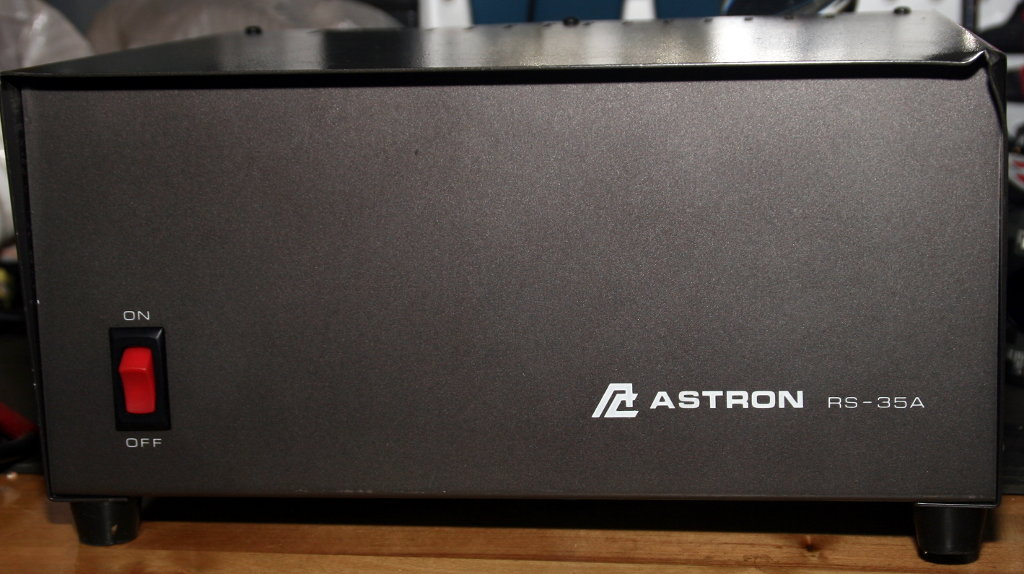
An Astron RS-35A power supply is my latest acquisition. Saw it on ebay for a pretty decent price, and after a few days of watching it, I thought I’d put a bid on it fully expecting someone to come in at the last minute and snipe me.

Well, that didn’t happen so now I have a big beast of a linear power supply that puts out 13.7V and peak current of 35A (“25A continuous”) for less than half of what one costs new. My original plan was to use it for what ever radio I ended up buying, but we’ll be putting Connie’s radio and its power supply into the office/ham shack so this one will probably sit out on the workbench and supply power to my other projects, maybe a second radio if we end up getting one.

Astron RS-35A power supply

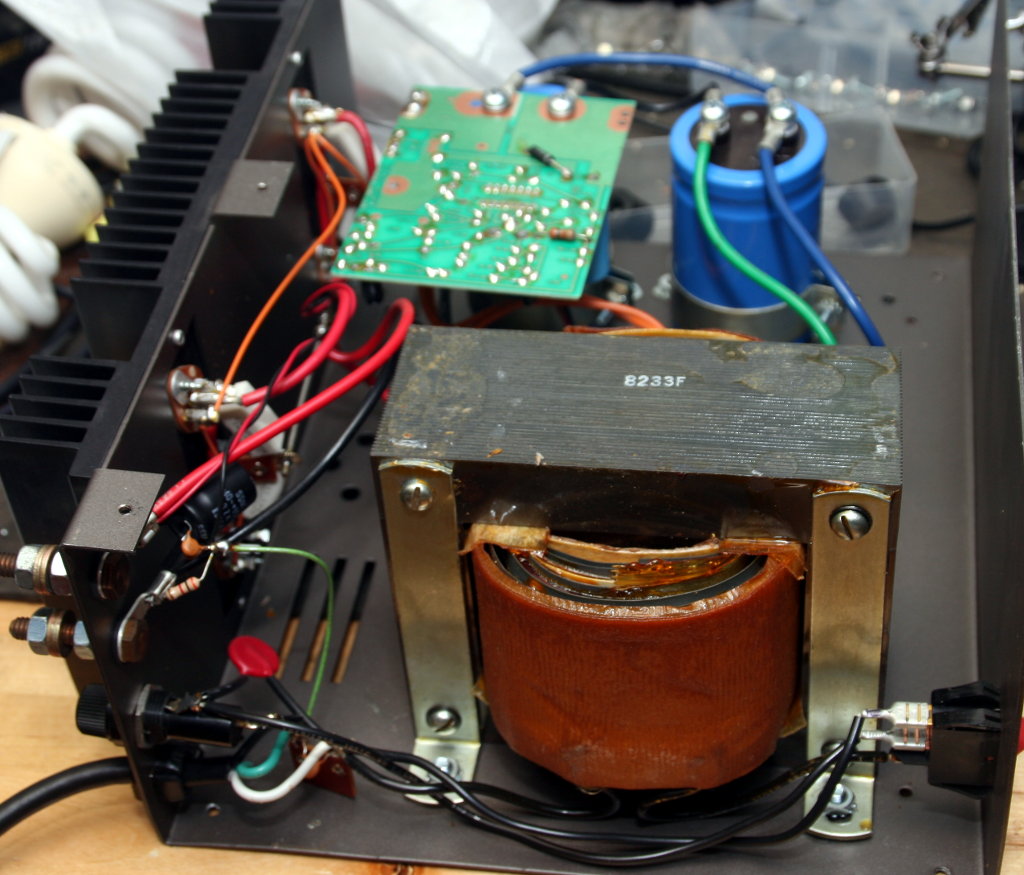
Except for a dinged up corner and a broken foot (probably during transport) it’s physically in good shape. After plugging the unit in, flipping the power switch brings the beast to life with an intimidating but satisfying “chunk” from the transformer and the hum of electricity.

Large transformer inside the Asstron power supply
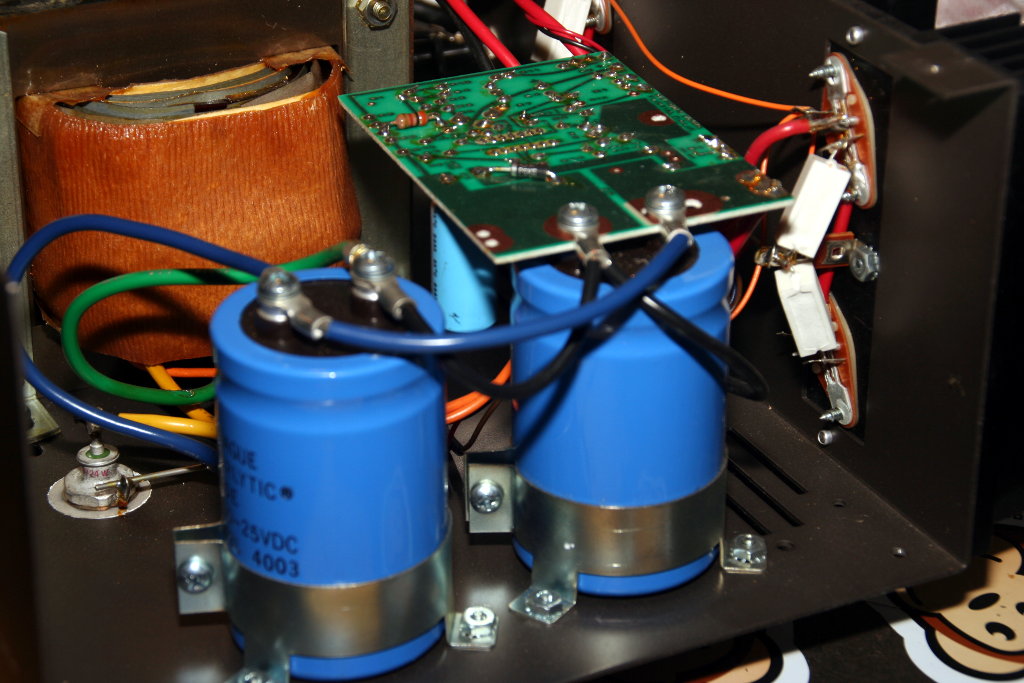
Large blue filter capacitors in the Astron power supply

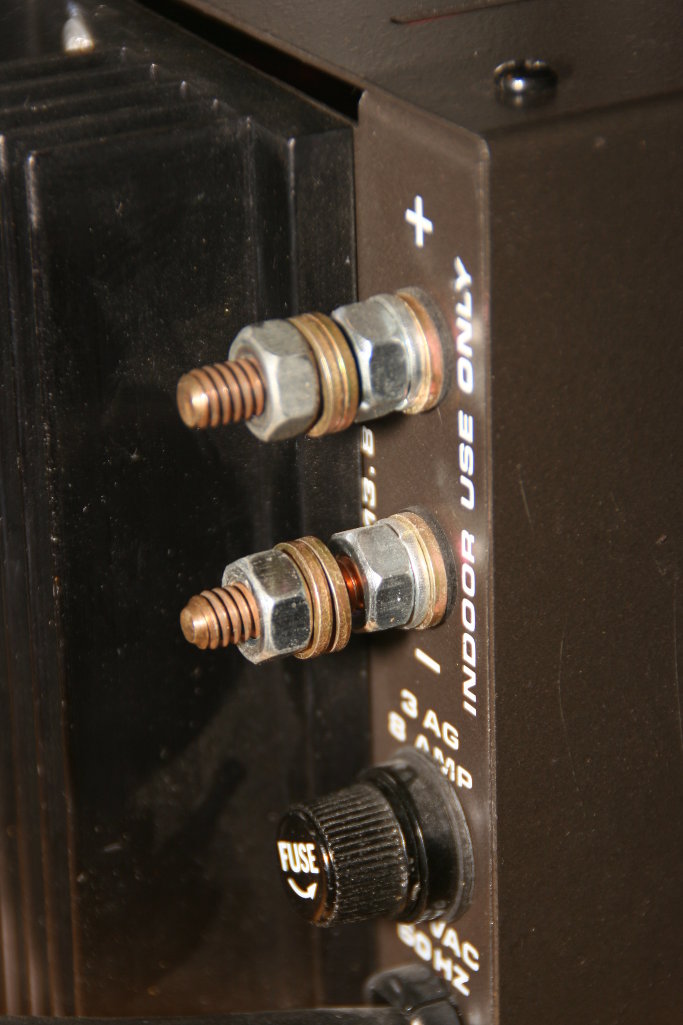
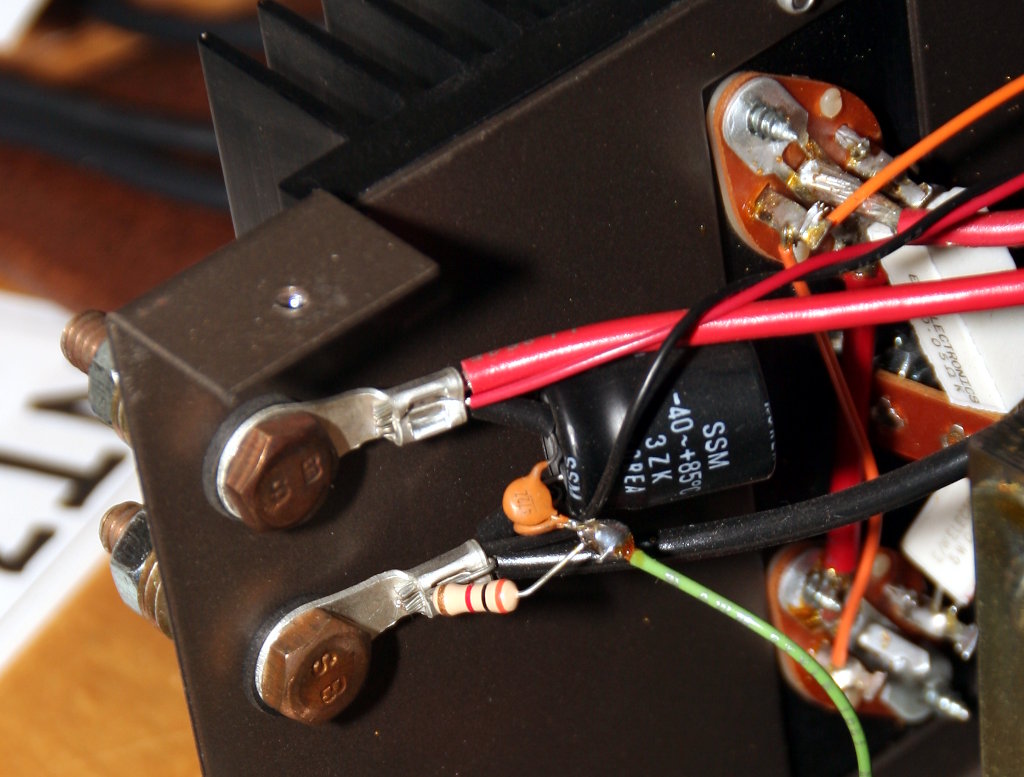
The power terminals are these bare exposed bolts with nuts to hold any wires on. I don’t really like the thought of exposed power terminals, so I think I’ll look into replacing them with some Anderson power poles.

Output terminals on the Astron power supply
Power output terminals on the Astron power supply seen from the inside of the power supply