Hard Drive Dissection Part 2

Continuing with the investigation into the inner workings of hard drives, the second drive is a newer, although just as broken 20 GB IBM DeathstarDeskstar.

Outside, it looks like any other 3.5″ form factor drive

IBM Deskstar 20 GB hard drive

Looks pretty similar on the inside too, although there are a few notable differences in design. Again, I was a little surprised to find this drive was also a single platter design. Nearly 7 times the capacity of the old drive on the same sized platter.
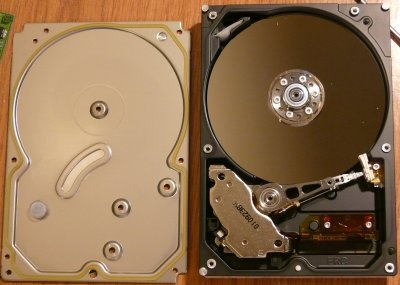
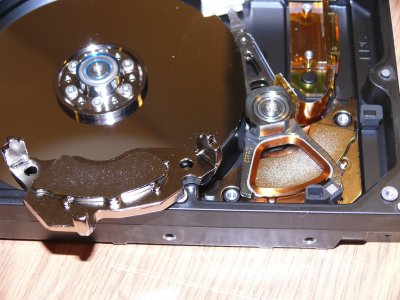
Top cover of the IBM Deskstar removed showing the internal components

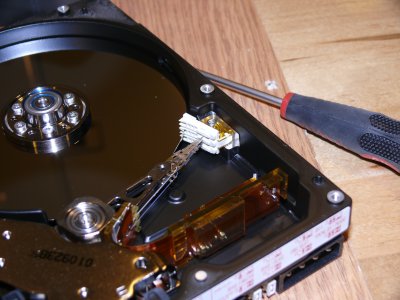
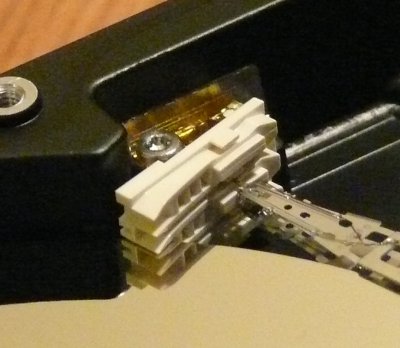
Instead of a landing zone on the platter, this one uses a landing zone outside the platter. The heads are moved into the white plastic holder when not in use. Moving the landing zone off the platter frees up additional space on the platter where data can be stored. It also makes the platters much less susceptible to impact related damage.
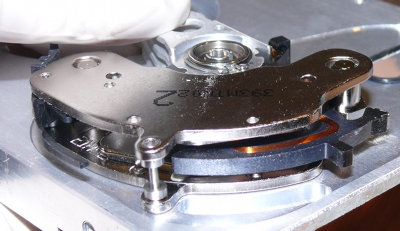
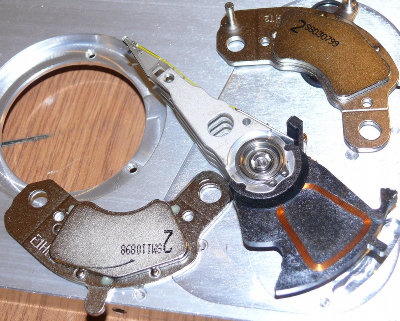
Again, two very strong magnets and the voice coil (this drive uses a larger coil) used to move the drive arm.
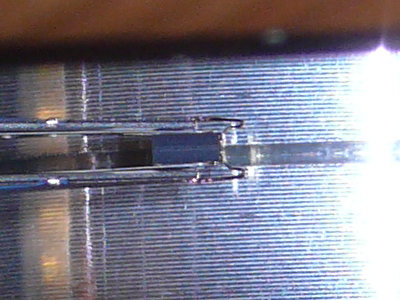
Close up of the read/write head.

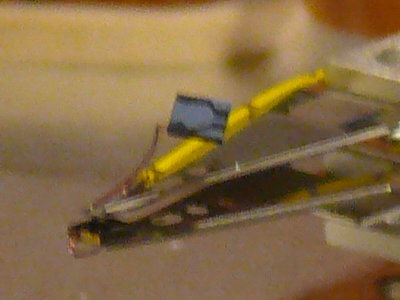
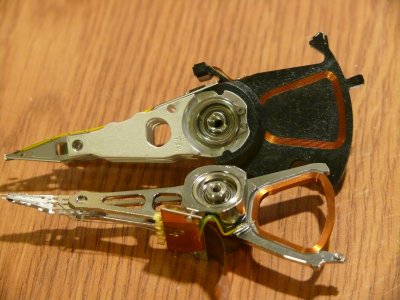
Some of the more significant differences are in the way the drive arm is designed. Here are the drive arms for the two drives side by side. The top one is from the old 3GB Seagate (from part 1), the bottom one is from the newer IBM. Note newer arm is made of much less material and is generally smaller. This helps reduce the weight of the arm allowing it to move around faster (decreasing access times). The IBM arm also has a much larger area coil than the other one.
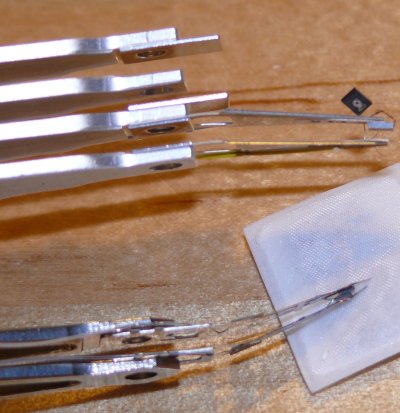
The newer arm also has a much smaller read/write head than the old one. This means smaller magnetic domains can be created and more data crammed onto the platter.
Hard Drive Dissection Part 1

You know what they say about idle hands…

Spent part of yesterday indulging my curiosity about the anatomy of hard drives with a couple of old hard drives sitting around being paper weights.

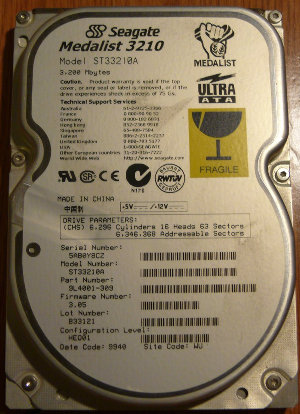
The first victimdrive to be disassembled was this old 3 GB Seagate Medalist (late 90s vintage).

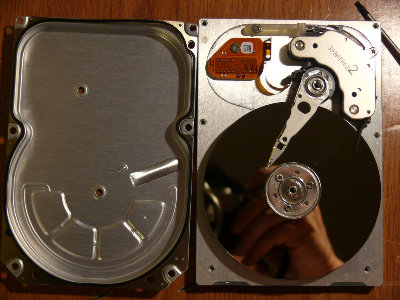
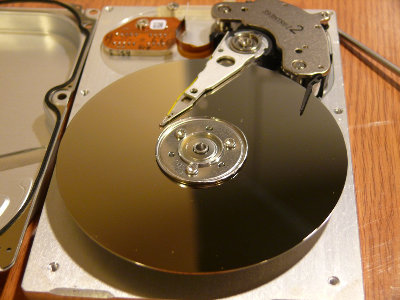
This is what you see when the top cover is removed. I was a little surprised to see that the drive was only a single platter.

Older hard drives had what was known as a landing zone, an area of the drive platter without any data where the heads were moved to when the drive wasn’t in operation. If the arm came loose during transport or impact, any damage to the platter would occur here and not on the data portion of the platter. On this particular drive, the landing zone is the inner portion of the platter.

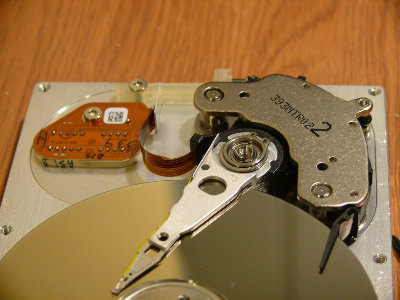
The dark rectangular block in the middle is the lower read/write head. Looks like there are two, but the other one is just the reflection off the platter.

At first I couldn’t figure out what the purpose of this black arm was, but then I figured out that it keeps the drive arm in the parked position over the landing zone. Air currents created by the spinning platter push the black arm out of the way so that the drive arm can move around. The white blob is some kind of filter. Clever.

This is a small magnetic clip that also helps to hold the drive arm in its parked position.

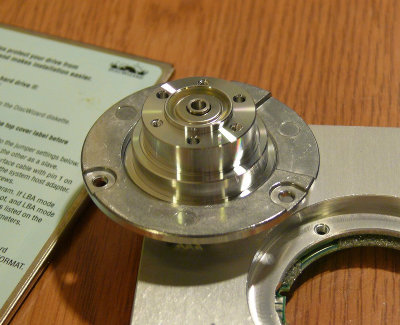
The hard drive motor and a view of the read/write head.

The drive platters are polished very smooth. Since the drive heads only float a few microns above the surface of the platter, a very smooth surface is essential.

All that’s left is the drive arm and voice coil mechanism. The drive arm contains a copper coil positioned between two very very strong magnets (many geeks will harvest old drives to get at these magnets). Changing the current flowing through the coil creates a magnetic field that interacts with the magnetic field of the magnets and causes the arm to move. The top plate is held on magnetically, so removing it is simply a matter of prying it off.

This is the disassembled drive arm mechanism. You can see the two magnets (the parts that have the writing on them), which are glued to the top and bottom plates, and the copper coil at the end of the drive arm.

Coming up in Part 2: The innards of a 20 GB IBM DeathstarDeskstar